Create reusable templates for onboarding, reviews and workplace checks. Fill them in, save progress and keep structured answers together.
Create reusable form templates in the Form Builder, then use them to collect consistent, structured information whenever the same process comes around.

Create a clear structure, collect the right answers and keep each form useful from its first draft through to completion.

Turn repeatable work into clear forms your team can fill in, save and complete without rebuilding the questions each time.
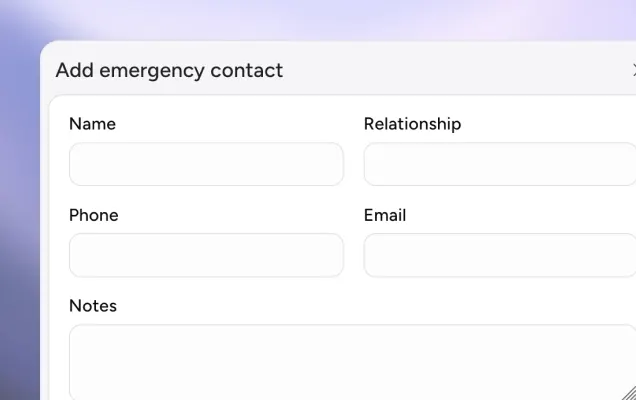
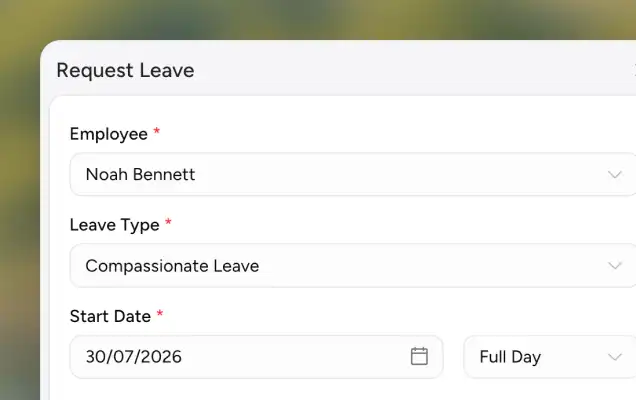
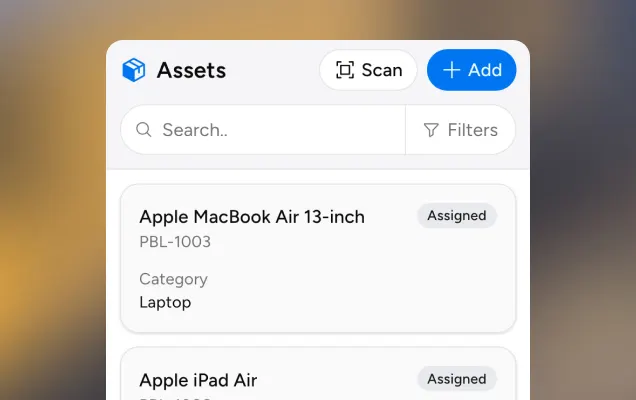
Use employees and assets as form context or answer options, with leave connected to the same records you already maintain in Pobl HR.
Quick answers about Forms in Pobl HR.
A form template is the reusable question definition. A form is an instance created from that template and filled out to save structured answers for the company.
Yes. A form remains a draft while required question blocks are unanswered, so work can be saved before it is completed.
Yes. Choose a subject employee when the form is about someone, keeping the form and its answers connected to the right person.
A completed form can be made visible to its subject employee when you want them to be able to view it.
Selectable answers can use a manual list, a dataset or a company record list such as employees, sites or assets.
Drop us a message, book a demo or use our guides to get started yourself. The platform is designed to feel familiar, so you can find your way around in just a few minutes.